There's a moment every growing business hits where the spreadsheet of customer complaints gets too long, the phone queue never empties, and someone finally says: we need a real system.
That moment is where most companies make their first big mistake — they rush to Google, pick the first result with a free trial, and sign a 12-month contract before their agents have even logged in twice.
Six months later, the software is half-broken, the integration with the CRM never worked, and the team is back to copying notes into spreadsheets.
This guide exists so that doesn't happen to you.
Whether you're setting up a call center for the first time or replacing a system that stopped serving you, here's everything you need to make a smart, confident decision.
What Is Call Center Software, Really?
Before we get into features and comparisons, let's define the playing field.
Call center software is a platform that manages inbound and outbound customer communications — primarily phone calls, but increasingly chat, email, SMS, and social media too. It gives agents the tools they need to handle interactions efficiently, gives supervisors visibility into what's happening in real time, and gives the business data to improve over time.
Modern call center software is not just a phone system. It's a hub that connects your communication channels, your CRM, your analytics, and your team — all in one place.
The better your platform, the smoother every customer interaction becomes. The worse it is, the more your team fights the tool instead of helping the customer.
The 3 Types of Call Center Software
The first fork in the road is deciding what kind of system you actually need. There are three broad categories, and each fits a different kind of business.
1. Cloud-Based (SaaS)
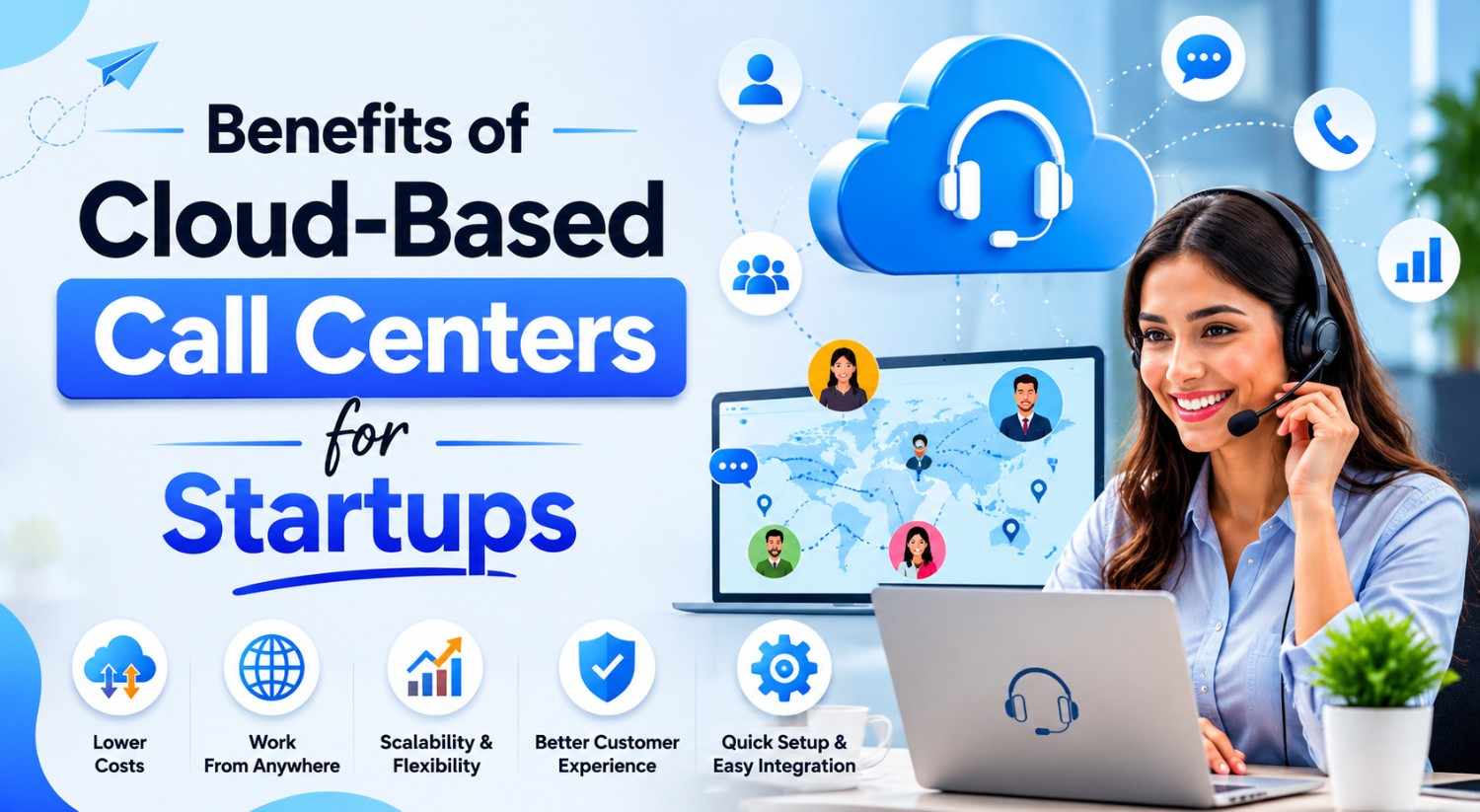
This is where most businesses are heading, and for good reason. Cloud-based call center software lives on remote servers managed by the vendor. You log in through a browser or app, pay a monthly subscription, and you're live within days — sometimes hours.
Best for: Startups, SMBs, remote teams, businesses that want to scale without hardware headaches.
Advantages: Low upfront cost, fast deployment, automatic updates, access from anywhere, easy to scale up or down.
Disadvantages: Ongoing subscription cost adds up over years. You're dependent on the vendor's uptime and infrastructure.
Popular examples in this category include platforms like Freshdesk Contact Center, RingCentral, Talkdesk, and Five9.
2. On-Premise
On-premise software is installed directly on your company's servers and hardware. You own the license, you manage the infrastructure, and you control everything — including security, uptime, and customization.
Best for: Large enterprises, businesses in heavily regulated industries (banking, healthcare, government), companies with dedicated IT teams.
Advantages: Complete data control, high customization, no recurring subscription fees after initial cost.
Disadvantages: High upfront investment, slower to deploy, requires ongoing IT maintenance, harder to scale quickly.
3. Hybrid
Hybrid systems combine elements of both. Some data or functions run on-premise for security or compliance reasons, while other features are cloud-delivered for flexibility.
Best for: Mid-to-large companies that need both control and agility — or businesses transitioning from legacy on-premise systems to the cloud.
Advantages: Flexibility to balance control and convenience, works well during migration phases.
Disadvantages: More complex to set up and manage. Can be more expensive than a pure cloud solution.
The 7 Features That Actually Matter
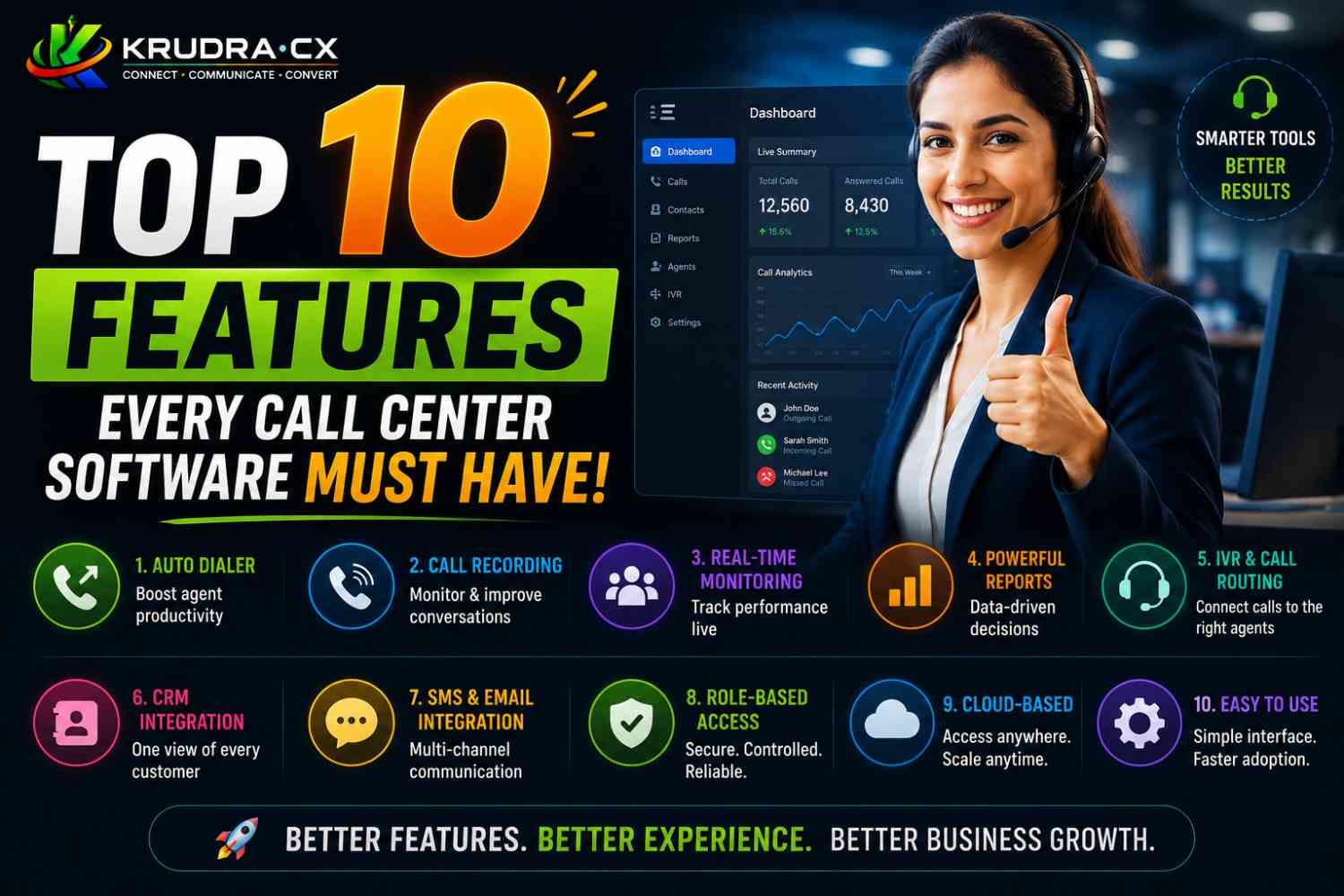
Software companies will give you a list of 200 features. Most of them you'll never use. Here are the seven that genuinely determine whether a platform works for your business.
1. Omnichannel Communication
Your customers don't just call anymore. They tweet, they chat, they email, they send WhatsApp messages. The best call center platforms bring all of these channels into a single agent dashboard so nothing falls through the cracks.
When a customer calls after already sending an email, your agent should be able to see that email instantly without switching tabs or asking the customer to repeat themselves.
If a platform only handles voice calls in 2025, it's already behind.
2. Automatic Call Distribution (ACD) and IVR
ACD routes incoming calls to the right agent based on rules you define — skills, availability, language, department. IVR (Interactive Voice Response) handles the "Press 1 for Sales, Press 2 for Support" logic before a call even reaches an agent.
Good ACD and IVR dramatically reduce wait times and misdirected calls. They're not glamorous features, but they're the engine of a well-run call center.
Look for platforms that let you build IVR flows visually, without needing a developer.
3. Real-Time Analytics and Reporting
If you can't see what's happening in your call center right now, you're flying blind. Real-time dashboards show you live call queues, agent availability, average handle time, and call volume — so supervisors can make decisions on the spot.
Beyond live data, you need historical reporting. How many calls did you receive last Tuesday? What's the average wait time before a customer hangs up? Which agents have the highest first-call resolution rates?
This data is how you improve. Platforms that offer flexible, exportable reports are worth significantly more than those that give you locked-down views.
4. CRM Integration
Your call center and your CRM are the two most customer-facing systems in your business. If they don't talk to each other, you're creating unnecessary friction for both agents and customers.
CRM integration means that when a customer calls, their entire history — purchases, past complaints, open tickets — pops up automatically on the agent's screen. No searching, no asking "Can I get your order number?" three times.
Check whether the platform integrates natively with the CRM you already use — Salesforce, HubSpot, Zoho, Freshsales, or whatever else is in your stack. Native integrations are more reliable than workarounds through third-party tools.
5. Call Recording and Quality Management
Call recording serves two purposes: compliance and coaching. In regulated industries, you may be legally required to record calls. Even if you're not, recordings are invaluable for training new agents and identifying where experienced ones need improvement.
Quality management features go further — they let supervisors score calls against defined criteria, flag specific moments in recordings, and give structured feedback. The best platforms combine recording with speech analytics that can automatically detect sentiment, compliance phrases, or silence patterns.
6. Workforce Management (WFM)
Staffing a call center is a scheduling puzzle. Too many agents on a quiet afternoon and you're burning salary. Too few during a Monday morning spike and customers are waiting 12 minutes to be heard.
Workforce management tools use historical data to forecast call volume and recommend optimal staffing levels. They handle agent schedules, time-off requests, shift swaps, and adherence monitoring — all in one place.
For smaller teams this might feel like overkill. For anyone running 20 or more agents, it becomes essential.
7. Security and Compliance
This one is non-negotiable depending on your industry. If you handle payment information, you need PCI DSS compliance. If you're in healthcare, HIPAA. If you operate in Europe, GDPR. If you're in India handling financial data, RBI guidelines apply.
Don't just take a vendor's word for it. Ask for documentation. Ask specifically what they do to encrypt data in transit and at rest. Ask where your data is stored geographically. Ask what happens to your data if you cancel.
These are not fun questions, but they're important ones.
How Much Should You Actually Pay?
Pricing in the call center software space is all over the place, and comparing vendors directly is harder than it looks because they structure their pricing differently.
Here's a rough breakdown of what to expect:
Entry-level cloud platforms typically start between $20–$50 per agent per month for basic voice features. At this tier you'll get call routing, basic reporting, and maybe one or two integrations.
Mid-range platforms fall between $60–$120 per agent per month and usually include omnichannel support, more robust analytics, and CRM integrations out of the box.
Enterprise platforms can run from $150 to well over $300 per agent per month, or custom pricing based on call volume. At this level you're getting advanced workforce management, AI-powered features, dedicated support, and full compliance tooling.
A few pricing traps to watch out for:
Per-minute charges. Some platforms charge per minute of call time on top of the per-seat fee. For high-volume centers, this adds up fast. Make sure you understand the billing model completely before signing.
Feature gating. The plan they demo to you often includes features that only come with the next tier up. Always ask which features are included in the specific plan you're buying.
Implementation fees. Enterprise platforms often charge separately for onboarding, configuration, and training. These can range from a few hundred to tens of thousands of dollars.
Minimum seat commitments. Some vendors require you to buy a minimum number of seats regardless of how many agents you actually have. Read the contract carefully.
5 Mistakes Businesses Make When Choosing
These aren't hypothetical — they're the patterns that come up again and again when businesses end up unhappy with their call center software.
Mistake 1: Optimizing for Price Over Fit
The cheapest option is rarely the right option. A $15/agent/month platform that crashes during peak hours, lacks the integration you need, or takes three weeks to get support on a critical issue will cost you far more in lost productivity and customer churn than a better platform would have.
Price matters. But it should be the final filter, not the first one.
Mistake 2: Skipping the Real-World Trial
Most platforms offer a free trial. Many businesses sign up for the trial, poke around the admin panel, decide it looks nice, and buy it. That's not a trial — that's a demo you ran yourself.
A real trial means putting actual agents on actual calls in the actual workflow you intend to use. It means stress-testing the reporting, testing the CRM sync with real data, and seeing what happens when something goes wrong and you contact support.
Give it 10–14 days of real use before making a decision.
Mistake 3: Not Involving the Agents
The people who manage software procurement are usually not the people who use it eight hours a day. Agents know what slows them down, what's confusing, what they wish they had. If you buy a platform without asking them, you're guessing at their needs.
Bring two or three agents into the trial process. Their feedback will surface issues that no product comparison article will catch.
Mistake 4: Ignoring Scalability
The platform that's perfect for 10 agents might fall apart at 50. Pricing that's reasonable for your current volume might become prohibitive at twice the scale. Features you don't need today — like workforce management or advanced analytics — might become critical in 18 months.
Always ask: "What does this look like when we double in size?" The answer tells you a lot about whether this vendor is built to grow with you.
Mistake 5: Locking Into Long Contracts Before You've Proven the Fit
Some vendors push hard for annual or multi-year contracts because it locks in revenue for them. Resist the pressure until you've run the platform for at least 30–60 days in a live environment.
A vendor that's confident in their product will give you a reasonable out if things don't work. One that makes it nearly impossible to leave before extracting significant penalties — that's information worth having before you sign.
The 4-Step Decision Framework
Here's a simple process that cuts through the noise and gets you to the right choice faster.
Step 1 — Map Your Actual Requirements
Before you look at a single vendor, sit down and answer these questions:
- How many agents do you have now, and how many do you expect to have in 12–24 months?
- What channels do your customers use to reach you — voice, chat, email, social?
- What CRM or helpdesk are you currently using?
- What compliance or security requirements apply to your industry?
- What does your current system do that you hate? What does it do that you'd miss?
- What's your realistic budget per agent per month?
Write the answers down. This becomes your requirements document, and it's the lens through which you evaluate every vendor.
Step 2 — Build a Shortlist of Three
With your requirements in hand, research vendors that match your profile. Use comparison sites like G2, Capterra, or GetApp to see real user reviews segmented by company size and industry. Look for patterns in the complaints — if five different reviewers mention that reporting is broken, believe them.
Aim for a shortlist of exactly three vendors. More than that and the evaluation becomes unwieldy. Fewer than that and you're not getting a real comparison.
Schedule demos with all three in the same week if possible. This keeps the details fresh and makes comparison easier.
Step 3 — Run a Structured Trial
Start the free trial with your top two vendors simultaneously. Assign the same group of agents to both. Give them specific scenarios to test: handle an inbound call, make an outbound call, pull a report for last week, escalate a call to a supervisor, and contact support with a non-critical question.
Score each platform against your requirements document. Not impressions — actual scores against actual criteria. This removes the "it just felt better" bias that leads to bad decisions.
Step 4 — Negotiate, Decide, and Implement Deliberately
Once you've chosen a platform, don't just buy and launch. Negotiate — vendors have more flexibility than their pricing pages suggest, especially on implementation fees, contract length, and additional seats. If you're committing to an annual contract, ask for a pilot period with easier exit terms for the first 60 days.
Implementation deserves its own plan. Who is the internal owner of the rollout? What does the training schedule look like? What does success look like in the first 30 days, 60 days, 90 days? A platform is only as good as the adoption it gets.
A Quick Look at What's Changing in 2025
The call center software space is moving fast, and a few trends are worth knowing before you make a decision.
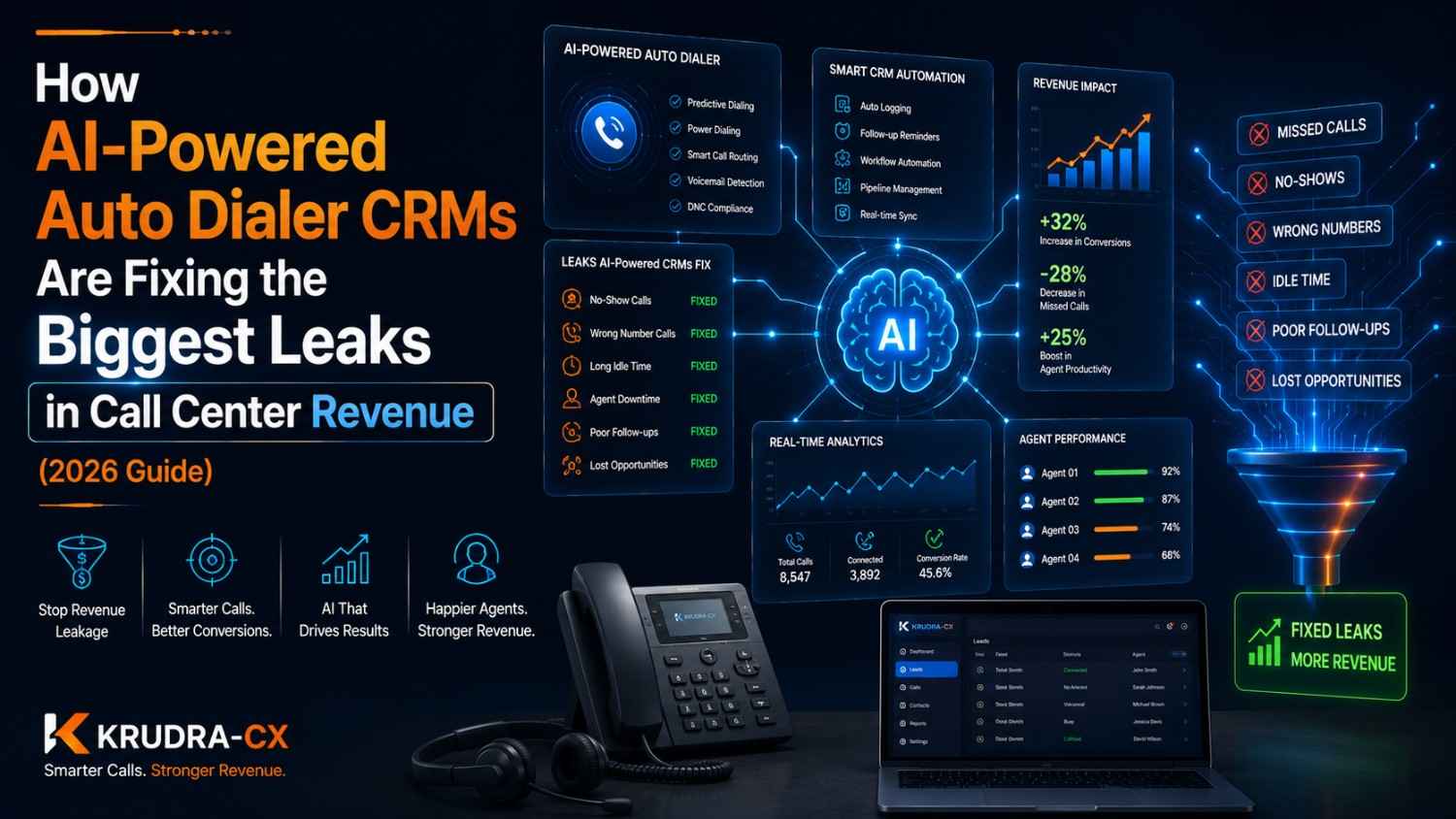
AI is becoming table stakes. Features like AI-powered call summaries, real-time agent suggestions, automatic sentiment analysis, and predictive routing are moving from premium add-ons to standard inclusions. If a platform you're evaluating has no AI roadmap or AI features, ask why.
Voice is no longer the primary channel. Messaging, chat, and self-service deflection are handling a larger share of customer interactions. Platforms that were built voice-first and bolted on digital channels later often show the seams. Look for vendors that built omnichannel from the ground up.
Agent experience is becoming a competitive differentiator. With high agent turnover being a persistent problem in the industry, platforms that reduce cognitive load, automate repetitive tasks, and give agents better tools are winning. The best software makes agents faster and less exhausted — and that shows up in customer satisfaction scores.
Security requirements are tightening everywhere. Data residency requirements, stricter breach notification laws, and new AI governance rules mean compliance is becoming more complex. Choose a vendor that's ahead of these requirements, not catching up to them.
How to Know When You've Found the Right One
There's no perfect platform. Every vendor has weaknesses, every implementation has rough patches. But you've found the right one when:
Your agents say it's easier to use than what they had before. Your supervisors can answer questions about performance without waiting for someone to pull a report. Your IT team didn't have to build a custom integration to make it work with your CRM. Your first month's invoice matched what you expected from the pricing page.
And perhaps most importantly — when a customer calls with a problem, your agent can focus entirely on solving it instead of fighting the software.
That's the real measure of the right call center platform.
Final Thoughts
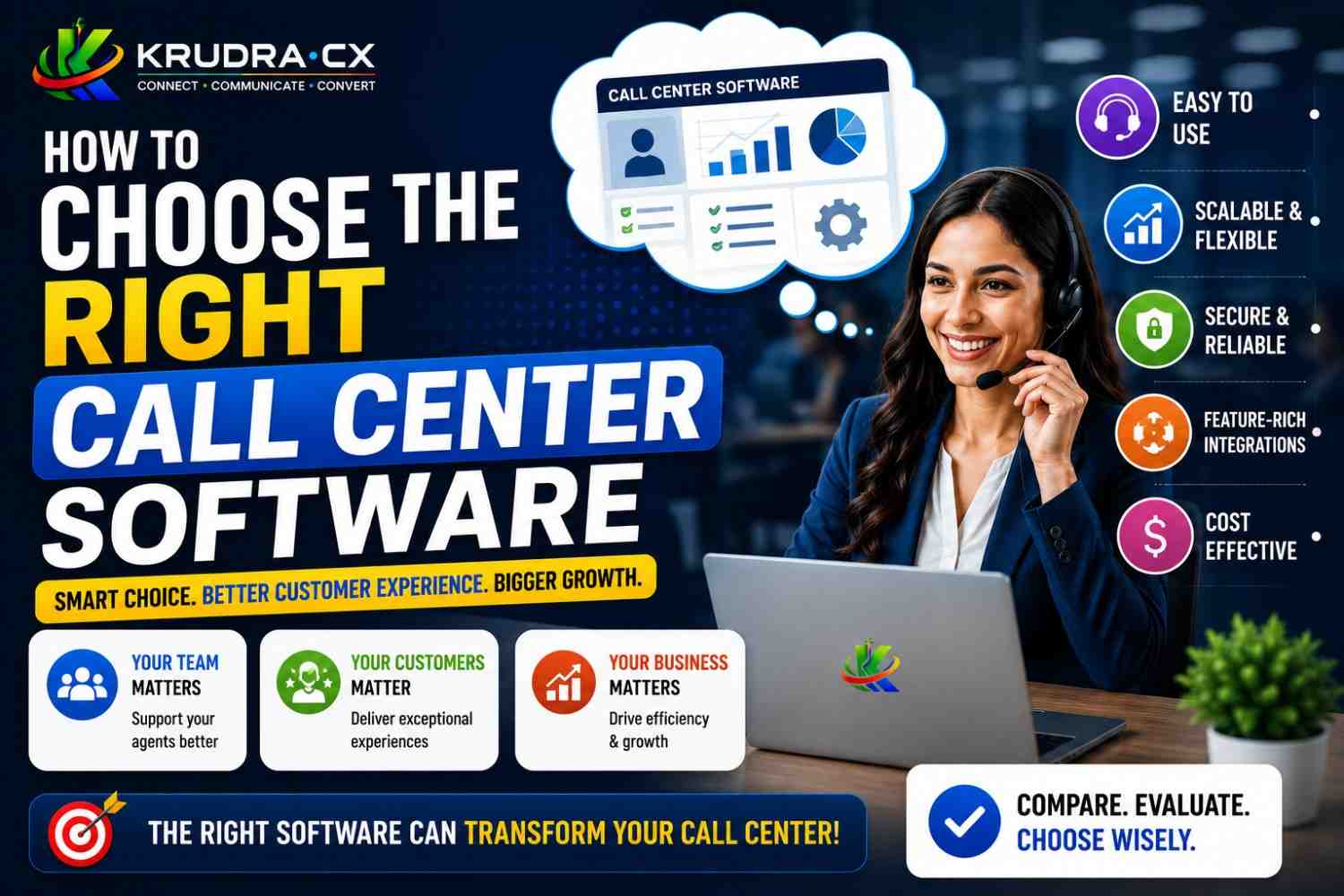
Choosing call center software is not a purchasing decision — it's a strategic one. The platform you pick shapes how your customers experience your business, how your agents experience their work, and how your leadership sees performance.
Take the time to define what you actually need. Shortlist thoughtfully. Trial seriously. And negotiate before you sign.
The businesses that do this well don't just end up with better software. They end up with better customer relationships, lower agent turnover, and data that actually helps them improve.
That's worth taking seriously.
🔥 Ready to Level Up Your Business Knowledge?
Follow @krudracx for in-depth tech guides, software breakdowns, and business tools that actually move the needle.
Every week, practical insights on the software and strategies that modern businesses use to grow faster, serve better, and operate smarter.
📌 Save this post. Share it with your team. And if you're currently choosing a call center platform — come back to this guide before you sign anything.
👉 Follow @krudracx — because the right tool, chosen the right way, changes everything.