Manage campaigns, automate dialing, monitor agents and handle every customer conversation from one powerful call center platform.
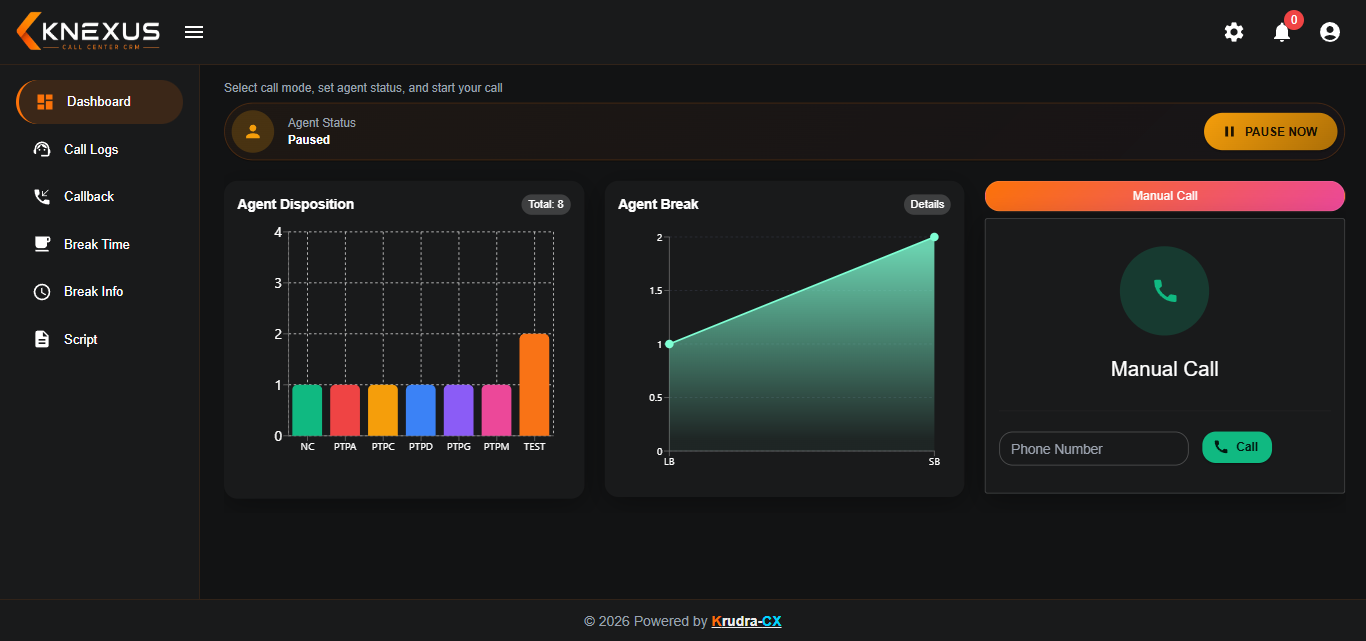
Give your agents a complete workspace to manage calls, customers, breaks, dispositions and daily calling activities from one place.
Everything an agent needs in one working screen
The Agent Dashboard provides a centralized workspace where agents can access their calling activities, current status and essential call controls without switching between multiple screens.
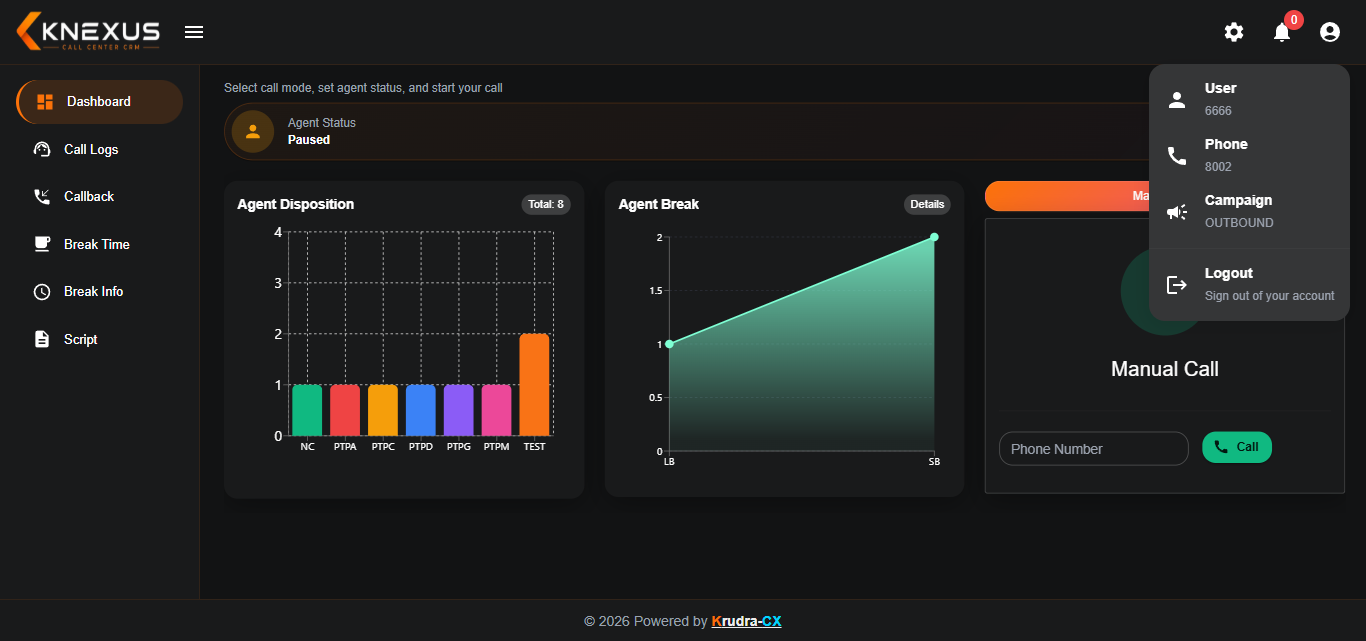
Keep agent information accessible and organized
View important agent information from a centralized panel and maintain better visibility of agent availability and working details.
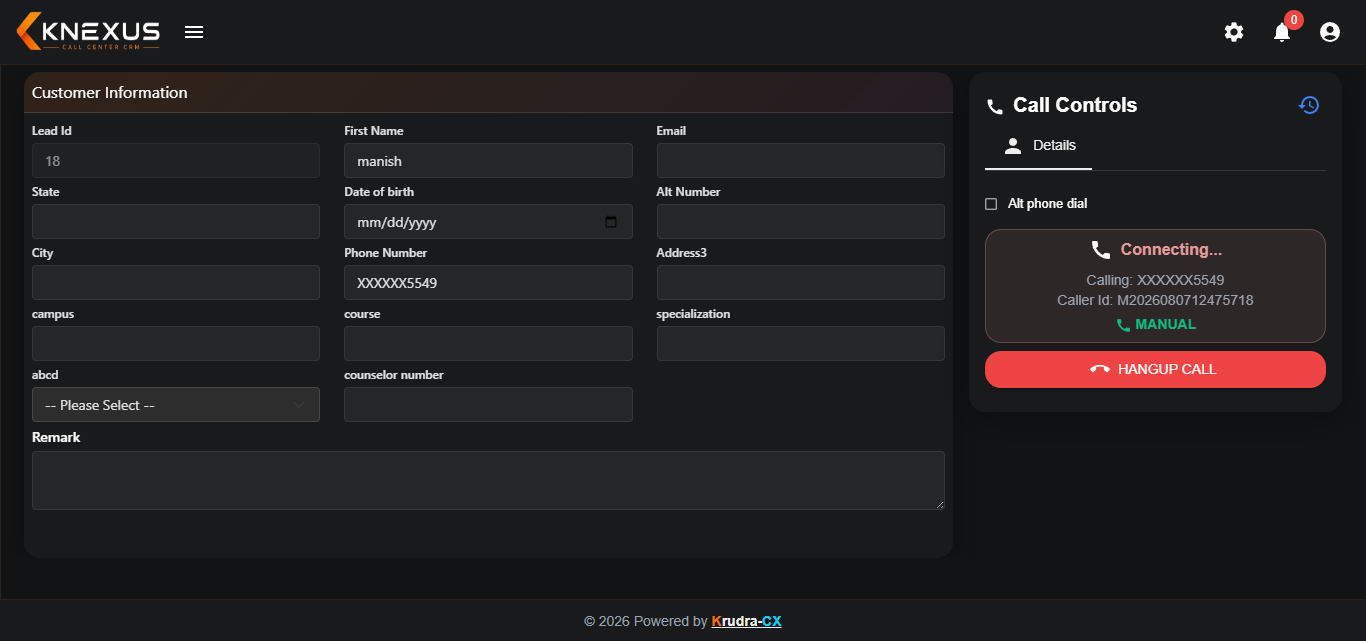
Clear visibility while a call is being connected
Agents can clearly see the call connection status and manage the calling flow through a simple and focused interface.
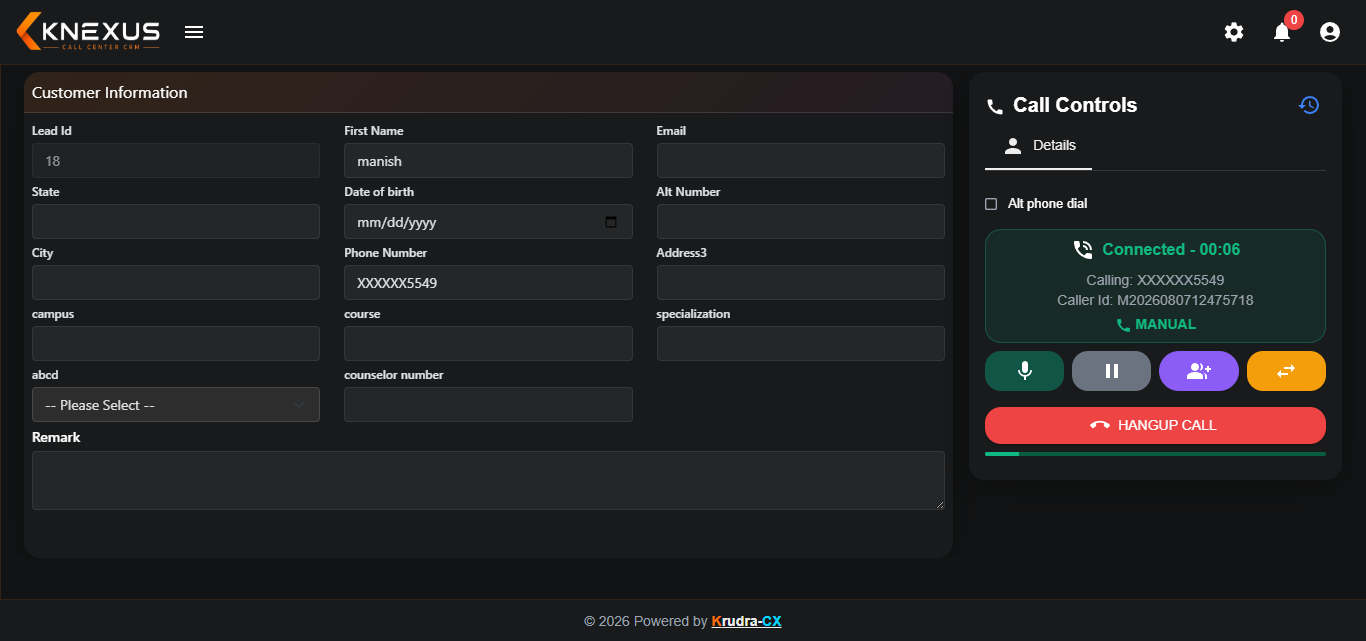
Manage active conversations from the agent panel
Once a customer answers, agents can manage the active conversation directly from the calling panel and continue with the required call actions.
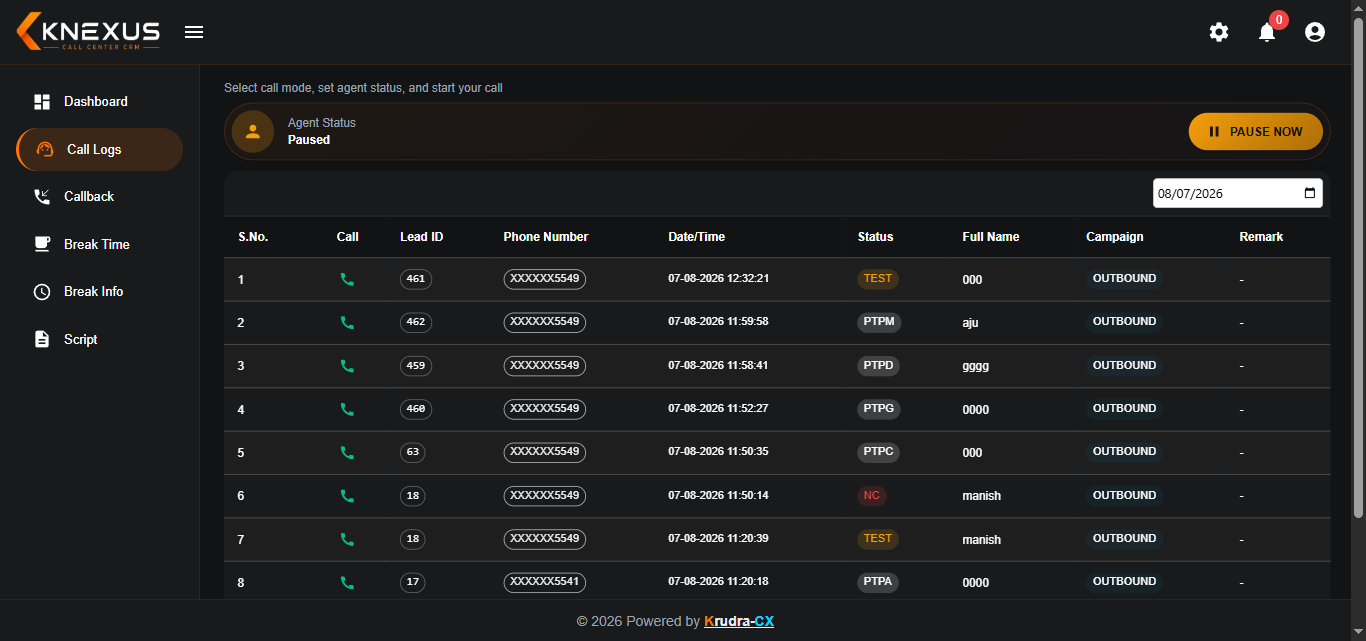
Track calling activities and customer interactions
Keep calling activities organized with accessible call logs so teams can review previous interactions and manage customer follow-ups.
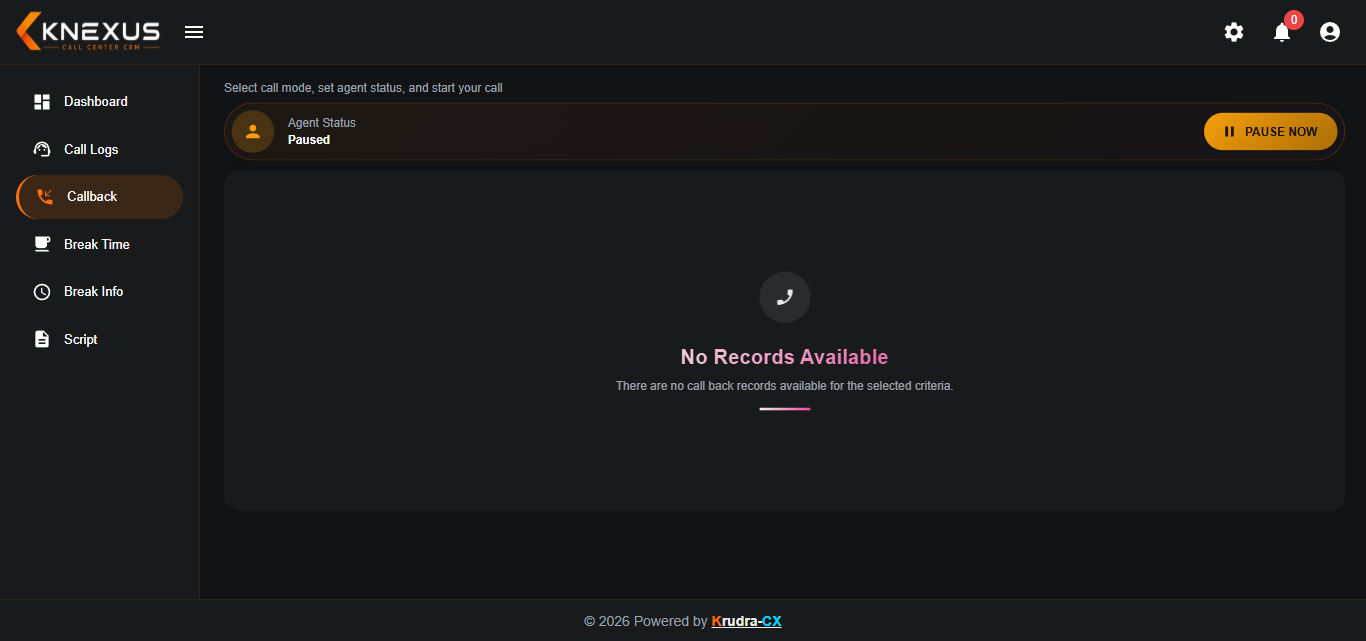
Make customer follow-ups easier and more consistent
Agents can manage callbacks and follow up with customers at the appropriate time, helping teams stay organized throughout the calling process.
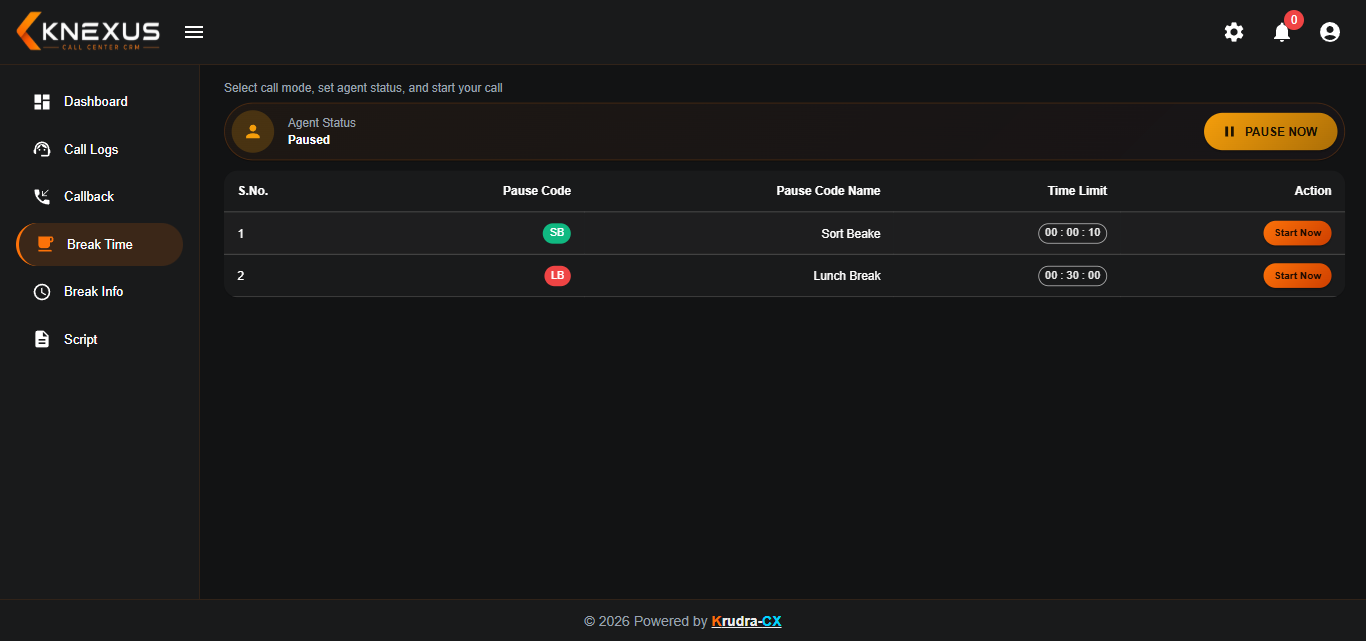
Manage agent availability during working hours
Agents can manage their break status while the system keeps their availability visible for better operational control.
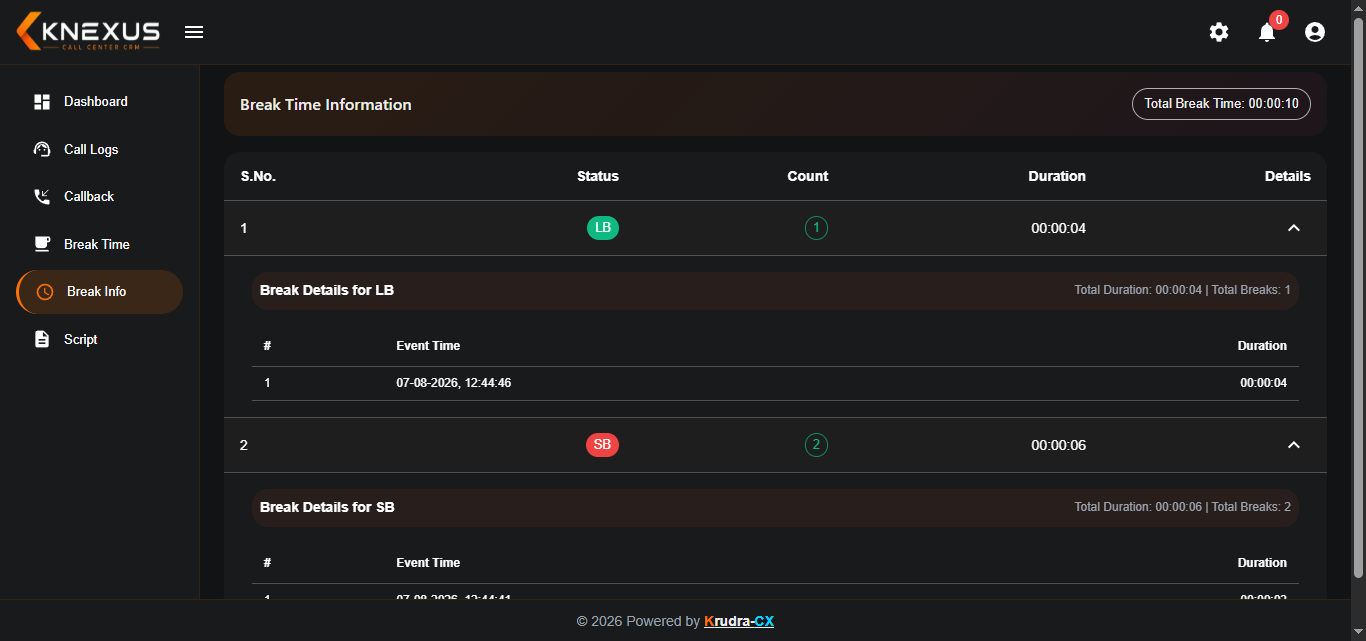
Maintain visibility of agent break activity
Break information helps teams maintain better visibility of agent availability and daily working patterns.
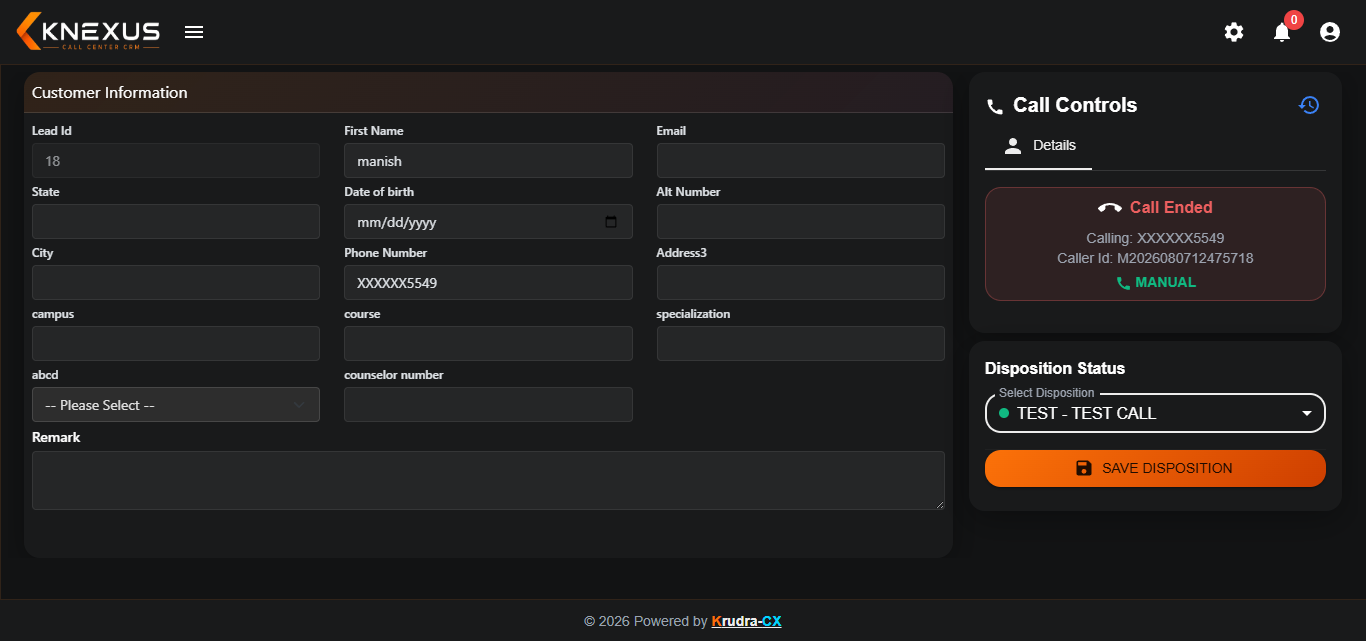
Record the outcome of every customer conversation
After a conversation, agents can select the appropriate disposition and update the outcome of the interaction for structured call reporting and follow-up.
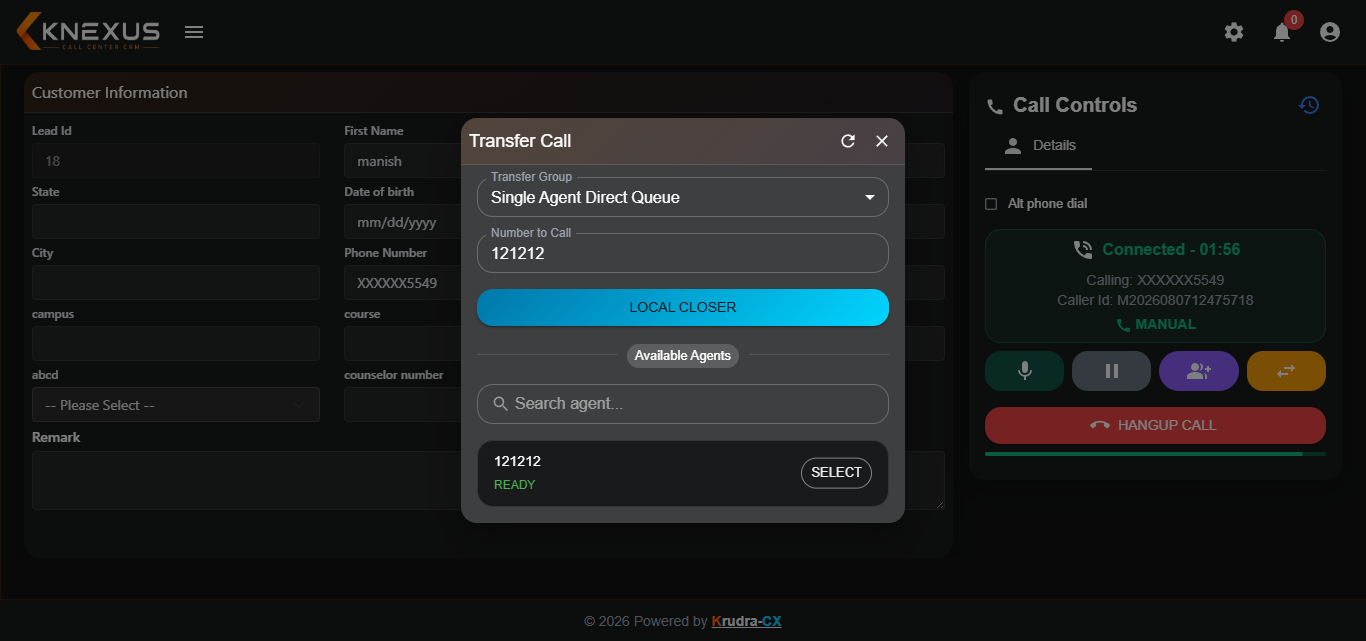
Move active calls to the right agent or department
Transfer an active customer call to another agent or department whenever additional assistance or specialized handling is required.
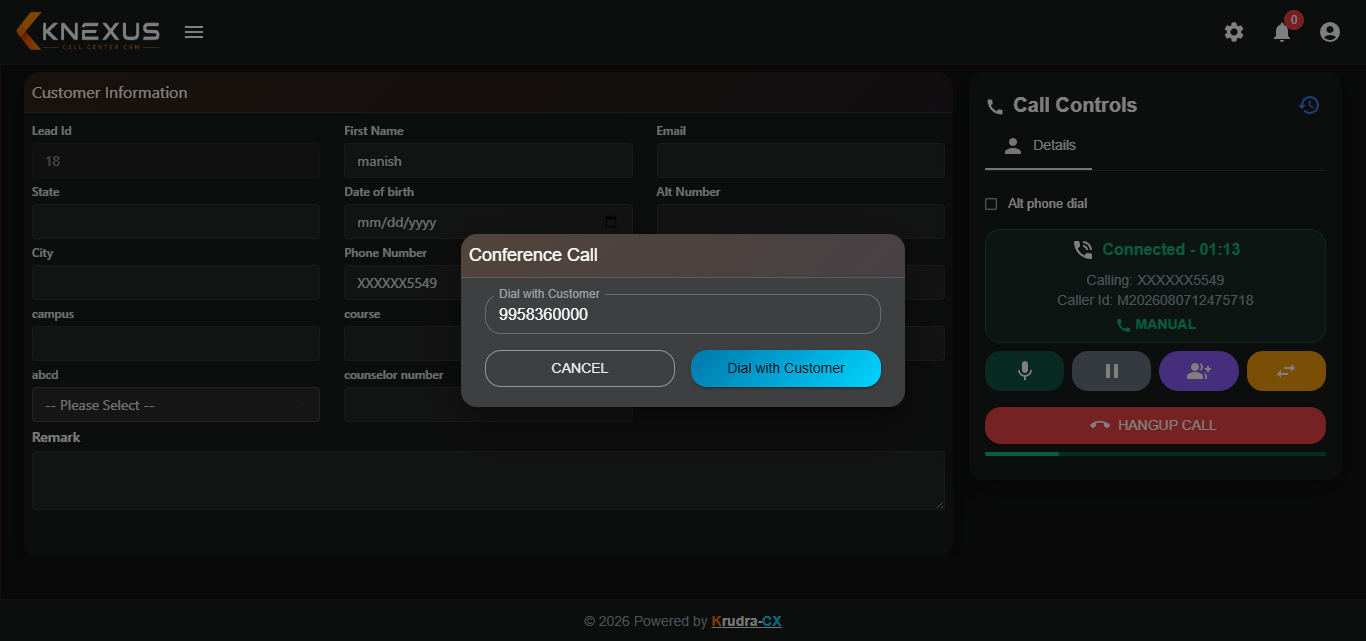
Bring multiple participants into one conversation
Conference calling allows agents to bring additional participants into an active conversation whenever collaborative discussion or assistance is required.
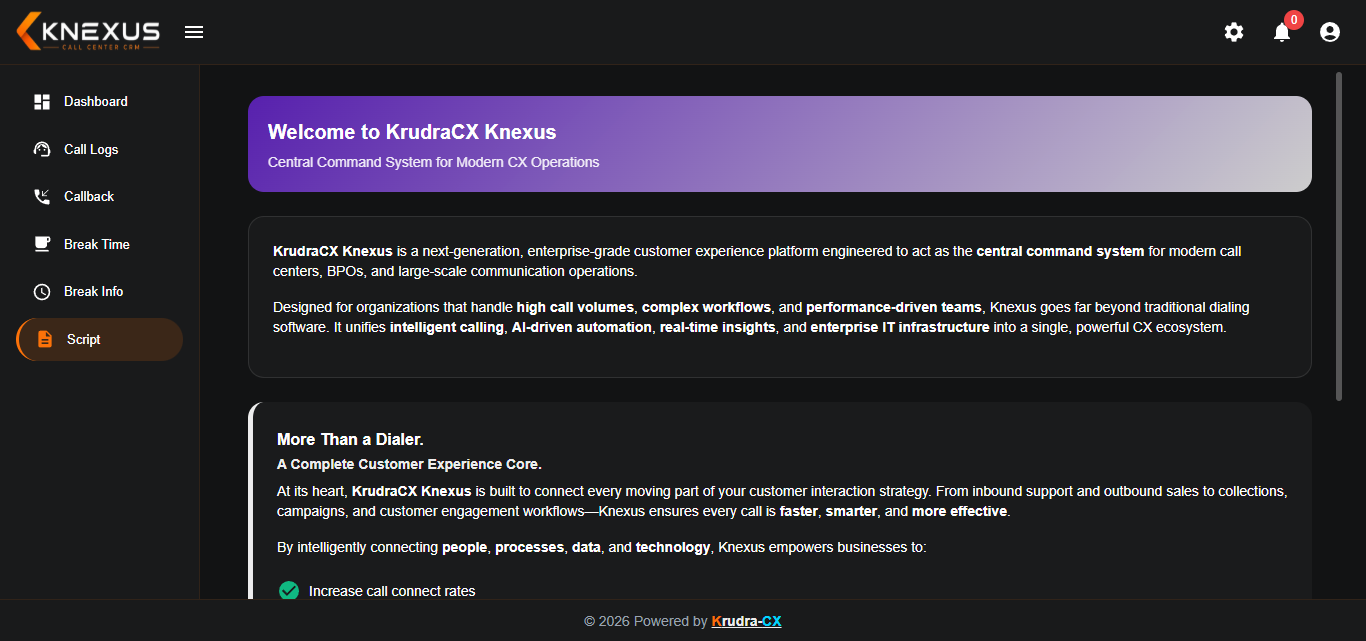
Help agents follow consistent and professional conversations
Predefined call scripts guide agents during customer conversations and help maintain consistent communication across campaigns.
| Mode | Best For | Agent Involvement | Call Volume |
|---|---|---|---|
| Auto Dialer | General outbound campaigns | Low — connects only live answers | High |
| Predictive Dialer | Large lead lists, tight SLAs | Low — system predicts availability | Very High |
| Preview Dialer | Collections, high-value sales | High — agent reviews before dialing | Low – Medium |
| Progressive Dialer | Balanced, mixed campaigns | Medium — one call per free agent | Medium |
| Agent Panel | Daily agent calling operations | High — agent controls calls and activities | All campaign volumes |
Tell us how your team works and we'll show you the right dialer and agent setup — live, on a setup close to yours.